
How to Use AI for Everyday Productivity: A Beginner’s Guide
Learning how to use AI for everyday productivity is easier than most beginners think. You don’t need programming skills or paid software. All you need is a free AI chat assistant and plain, simple words.
In this guide, you’ll learn which daily tasks to hand over to AI. You’ll get copy-paste prompt templates and a 10-minute morning routine. I started using AI when my task list grew faster than my workday, and I felt the difference within the first week.
By the end, you’ll have a clear starter plan, five ready-to-use prompts, and an honest picture of what AI can and can’t do.
What Does “Using AI for Productivity” Mean?
Using AI for productivity means letting an AI assistant handle routine thinking and organizing work. That frees your energy for what actually matters. An AI assistant is a chat-based tool powered by a large language model. You type or speak normal instructions, and it responds.
Two things it is not: a robot that replaces workers, or something that needs coding skills. The free version costs nothing. For example, it can turn a messy voice note into a clean task list. It can give you a summary of a long document in 30 seconds. It can draft a polite email from rough bullet points.
When I first tried it, I expected something complicated. In reality, it felt like texting a very fast helper who never sleeps and never gets tired of my questions.
Why AI Saves You Time Every Day
Most days are full of repetitive communication and organizing. That is exactly what AI does fastest. Three hidden time-drains steal most of the day:
- Writing the same kinds of messages over and over.
- Reading long documents just to extract one piece of information.
- Making and remaking to-do lists.
AI removes the friction with instant drafting, summarizing, and organizing. Its biggest gift is the first draft. Reacting to a decent draft is far faster than staring at a blank screen.
Save 10 to 15 minutes on five small tasks a day, and you quietly win back hours every week. One honest caveat: always give AI drafts a quick human check before sending. Checking is still much faster than writing from scratch.
Everyday Tasks AI Can Handle for You
Before the task list, one mindset shift for how to use AI for everyday productivity: treat AI as a menu, not a mandate. Start with the two or three tasks that eat most of your time.
Everything below works with a free chat tool. Nothing futuristic here. All of it is usable today.
Writing Emails, Messages, and Documents
AI writing assistants turn rough bullet points into professional emails, replies, and reports in under a minute. They can also do rewriting: making a message friendlier, firmer, shorter, or more formal.
My routine is simple. I type three rough lines, and AI turns them into a proper message. I save my real effort for the few messages that need my personal voice. Tip: say who the message is for and what you want, and the draft comes back much closer to done.
Golden rule: review before sending. Names, facts, and tone are your job, not the AI’s.
Researching and Summarizing Information
Research is one of the biggest hidden time-eaters, and AI shrinks it fast. Paste a long article, ask for a summary with key points, then ask follow-up questions to dig deeper.
You can also ask for pros-and-cons tables to compare options side by side. I use this constantly for decisions. One warning: AI states facts, dates, and numbers with total confidence even when wrong.
So a verification of important details against the original source is a must before you rely on them.
Planning Your Day and Organizing Tasks
If your head is full before the day starts, this is the highest-value AI use there is. Dump everything: tasks, worries, half-formed ideas. Then ask it to find your top priority and order the rest by impact.
It turns scattered notes into to-do lists with time estimates. It builds realistic daily schedules around your appointments. It breaks scary projects into small, clear steps. When the day changes, paste the update and get a revised plan in seconds.
Learning New Skills Faster
AI is a superb personal tutor because it never runs out of patience. Ask it to explain anything in simple terms. Ask for step-by-step learning paths with exercises. Ask it to make flashcards and quizzes for self-testing.
Stuck on something abstract? Ask for analogies and real examples until it clicks. I learned a new analytics tool in one afternoon this way, instead of a week of scattered tutorials. Honest limit: AI speeds up understanding, but it can’t replace practice. You still do the reps, just smarter ones.
Managing Personal Life: Meals, Travel, Fitness, and Money
AI helps outside work too. Ask for a weekly meal plan built from your diet preferences and fridge contents, plus a shopping list. For trips, share your interests and budget and get day-by-day travel itineraries.
Beginners can get workout plans matched to their equipment and free time. AI can also explain budgeting basics and draft simple savings plans. Big money decisions still deserve a real professional. Even home problems work: repair steps, decluttering checklists, and cleaning schedules on demand.
How to Use AI for Everyday Productivity: 7 Simple Steps to Start
Trying everything on day one is the fastest way to fail at AI. Instead, follow this one-week starter plan. Each step takes under 20 minutes:
- Step 1: select and activate one free AI chat tool.
- Step 2: write your first simple prompt about a real task you have right now.
- Step 3: add context to that same prompt (who it is for, what you want, what format) and watch the answers improve.
- Step 4: draft one real email or message with AI.
- Step 5: summarize one long article or document you have been avoiding.
- Step 6: build the morning planning prompt from the next section, ready for tomorrow.
- Step 7: review your week and keep the practices that actually saved time.
Don’t sign up for five tools at once. Mastery of one tool on real tasks comes before you even look at another.
Copy-Paste Prompts That Save Hours Every Week
A prompt is just the instruction you type into AI. The golden rule of good prompts: context plus task plus format gives the best output. Share the background, say exactly what you want, and say how the answer should look.
The five templates below are ready to save in your notes app and reuse daily. Small wording tweaks change results a lot, so treat these as starting points, not magic spells. Marketers use these same patterns to speed up content work.
The Morning Planning Prompt
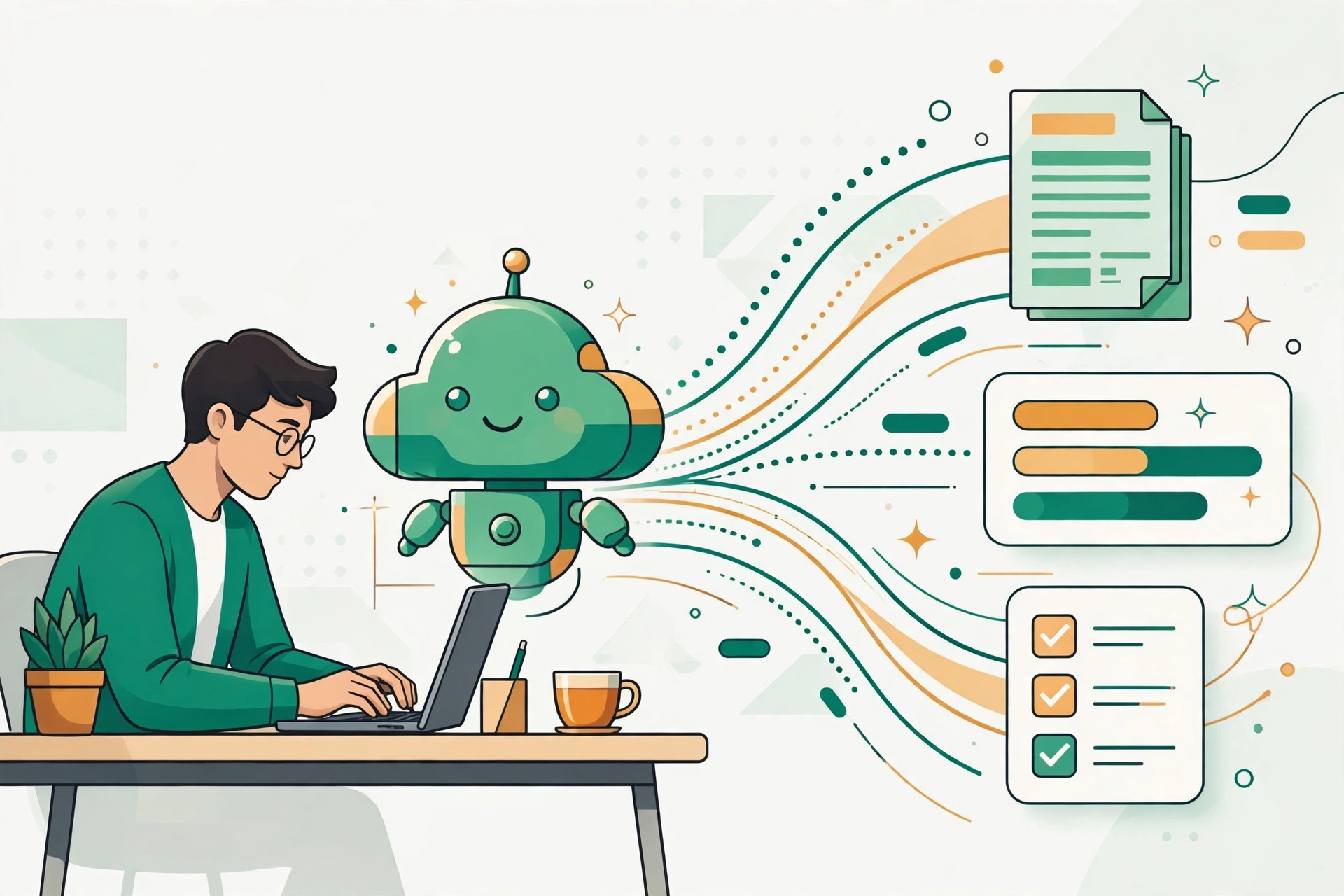
Use this before you open email, while your mind is still your own. Brain-dump everything: tasks, worries, ideas, things you’ve been avoiding. Then add this line: “Here is everything on my mind today. Identify the one task most deserving of my primary attention, then order the rest by impact. Be realistic about my energy and deadlines.”
AI returns a clear, ordered plan in seconds. It works because chaos leaves your head and lands on screen, where it stops spinning. Of everything in this guide, this single prompt gives the most value for the least effort. Try it tomorrow morning and feel the shift from noise to clarity.
The Inbox Triage Prompt
When your inbox overwhelms you, let AI sort it. Describe or paste your unread emails and write: “Sort these by urgency, draft short replies for routine ones, and flag what needs my personal judgment.”
AI handles the routine; you handle the relationships. Most email is repetitive and low-stakes, which makes it perfect AI territory. One safety rule: never paste passwords, banking details, or highly sensitive info. Start by copy-pasting manually and automate later.
The Meeting Summary Prompt
After any meeting or call, paste your rough notes and write: “Summarize this meeting: list the decisions made, the action items with owners, and the open questions.” Then ask for a three-bullet version to share with the team.
This changes meetings completely. Instead of scribbling notes, you keep your full presence in the conversation while AI captures the details. Free AI meeting assistants can automate the whole thing, but this manual prompt is plenty to start.
The “What Am I Missing?” Review Prompt
Before sending important work, like proposals, presentations, or plans, share the draft and write: “Play devil’s advocate. What are the top three objections, gaps, and blind spots here?”
AI is great at spotting weak points because it has zero emotional attachment to your draft. Asking for the top three risks keeps the feedback focused. This complements a human second opinion; it never replaces it. I run nearly every important piece of work through this check.
The Learn-Anything-Fast Prompt
Need to understand something new fast? Write: “Explain [topic] to me as a complete beginner. Give one real-world example, then quiz me with five questions.” After the quiz, keep asking “why” until it clicks.
AI never gets impatient with basic questions. It will re-explain the same idea five different ways without complaint. This turns passive reading into active learning, which is why it sticks better. Standing rule: verify key facts against authoritative sources before using them professionally.
Free vs Paid AI Tools: What Beginners Actually Need
The honest verdict first: the free tiers of major AI tools cover nearly everything in this guide. Don’t pay until the free version actually limits you. The big names are ChatGPT, Claude, Gemini, and Microsoft Copilot, and all of them have capable free plans.
Paid plans mostly add higher usage limits, faster responses, and advanced features. Those matter only once you’re a heavy daily user. Thinking of paying? Run a one-week trial: use it on real tasks for seven days, and keep it only if it clearly saves time. Prices change often, so check official sites for current plans.
For a curated starting list, see my guide to 10 practical AI tools that can save you time. And resist tool-hopping: collecting AI apps feels productive but does the opposite.
| Tool category | What the free version gives you | When paid is worth considering |
|---|---|---|
| AI chat assistants | Drafting, summarizing, brainstorming, and Q&A for everyday tasks | You hit daily usage limits or need the newest, most capable models |
| AI meeting assistants | A few transcribed and summarized meetings per month | You attend many meetings and want unlimited automatic summaries |
| AI writing and editing tools | Grammar checks and basic rewriting | You write professionally all day and need advanced style help |
| AI automation platforms | A small number of automated workflows per month | You run a business process that must trigger automatically, hands-free |
Building AI Into Your Daily Routine
AI saves the most time when it becomes a habit, not a novelty you try once and drop. That’s why how to use AI for everyday productivity is really about routine. The trick: attach AI to moments already in your day instead of adding new chores.
The framework below has three parts: morning, workday, and evening. Each takes about 10 to 15 minutes. Start with just the morning routine in week one. Add the rest once it feels automatic.
Morning: Plan Your Day in 10 Minutes
Before email and notifications, spend two minutes on a brain-dump of everything in your head. AI returns a prioritized plan almost instantly. Take three more minutes to adjust it, because you’re the boss, then commit to your top three tasks.
Optional: add a one-line focus theme for the day. Why mornings? You decide the day’s shape before your inbox decides it for you. Ten calm minutes here prevent hours of reactive scrambling later.

Workday: Let AI Handle the Busywork
During work hours, route repetitive writing through AI first: drafts, summaries, rewrites, follow-ups. Batching helps, so group similar tasks into one AI-assisted block instead of scattering them through the day. Keep a running “AI tasks” note to catch busywork as it appears.
Don’t spend saved time on more busywork. Protect it for deep work: thinking, creating, real conversations. My rule is simple. Repetitive plus low-judgment means AI first, then human review. This fits freelance work especially well, where client messages eat the day.
Evening: Review and Reset for Tomorrow
End the day with a five-minute reset. Ask AI for a day review: what got done, what slipped, and why, based on your notes. Then build tomorrow’s starting list tonight, so tomorrow starts calm instead of chaotic.
Once a week, do a longer version: ask AI to summarize the week’s wins and open loops from your notes. Keep it light and guilt-free. The goal is a clean slate, not a performance review.
Common Mistakes Beginners Make With AI
Every beginner makes these, and each is easy to fix:
- Mistake 1: copying AI output without reading it. The fix: always skim before sending.
- Mistake 2: writing a vague one-line prompt, then blaming the tool for a vague answer. The fix: add context, task, and format.
- Mistake 3: blindly trusting AI-generated facts, dates, and numbers. The fix: verify important claims against real sources.
- Mistake 4: typing passwords and private data into AI tools. The fix: treat free AI tools as semi-public and keep sensitive data out, always.
- Mistake 5: signing up for ten tools instead of mastering one. The fix: one tool, one week, real tasks.
- Mistake 6: using AI for final legal, medical, or financial decisions. The fix: AI prepares while professionals decide.
- Mistake 7: expecting perfection on the first try. The fix: iterate and ask for revisions; treat first outputs as drafts.
Staying Safe: Privacy and Responsible AI Use
Three safety rules cover nearly everything:
- Verify consequential outputs before acting on them.
- Keep sensitive data out of AI tools, categorically.
- Keep human judgment over every final decision.
Also know what happens to what you type. Many free AI tools may use your inputs to improve their models, so check privacy settings and opt out of training where you can. Never type passwords, banking details, ID numbers, private client info, or confidential work documents into any AI tool.
One more thing: schools, employers, and clients often have their own AI policies, so check the rules before submitting AI-assisted work. Used responsibly, AI is a powerful assistant. The accountability, though, is always human.
How Much Time Can AI Really Save You?
Honest answer, no hype: beginners using AI daily typically save thirty to sixty minutes per day once it’s a habit. Heavy users save more. Anyone promising “10x productivity” is selling, not informing.
Your actual savings depend on one thing: how much of your day is repetitive communication and organizing, versus deep, creative, or physical work. Quick self-audit: list what you did yesterday and mark the repetitive items. That marked share is your personal AI opportunity.
One more honest warning: saved time can quietly melt into extra scrolling. Decide in advance what your recovered hours are for. AI gives you the time back; spending it well is your job.
FAQs: How to Use AI for Everyday Productivity
Is using AI for productivity free? Yes, for everything in this guide. The free tiers of major AI assistants cover drafting, summarizing, planning, and brainstorming. Paid plans exist but stay optional until you’re a heavy user.
Do I need technical skills to use AI? No. If you can write clear sentences, you can use AI productively. Plain everyday instructions work. No programming is needed for any task here.
Which AI tool is best for beginners? Any major chat assistant will do. Pick one, use it on real tasks for a week, and master it before comparing alternatives. Building the habit matters far more than picking the tool.
Can AI replace my job? AI handles routine, repetitive tasks well. Judgment, relationships, creativity, and accountability stay human. Think of it as removing the boring parts of work, not the work itself.
Is my data safe with AI tools? Treat free tools as semi-public. Never type passwords, financial details, or confidential info into them. Check privacy settings and opt out of data training where the option exists.
How long until AI actually saves me time? Most beginners notice a difference within the first week of daily use, especially from the morning planning prompt. Savings compound as prompting becomes second nature.
Can students use AI for studying? Yes. It’s excellent for tutoring, organizing, and summarizing. Always follow your institution’s academic integrity rules, and make sure real learning happens before submitting AI-assisted work as your own.
What should I NOT use AI for? Final legal, medical, or financial decisions, or anywhere unverified facts could cause real harm. AI drafts and suggests; qualified humans decide.
Final Thoughts: Start Small and Stay Consistent
Everything in this guide distills to three actions:
- Pick one tool.
- Adopt one daily prompt.
- Keep it up for one week.
This approach fits anyone whose day is crowded with routine writing, planning, and organizing. If your work is mostly physical or deeply specialized, you’ll benefit less, and that’s completely fine.
Your concrete next step: try the Morning Planning Prompt tomorrow before checking your inbox, and notice the difference. Prompting is a skill, and skills compound. A month from now, you’ll wonder how you worked any other way.